Your Free Phone Toolkit for Starting Online (Day 1)
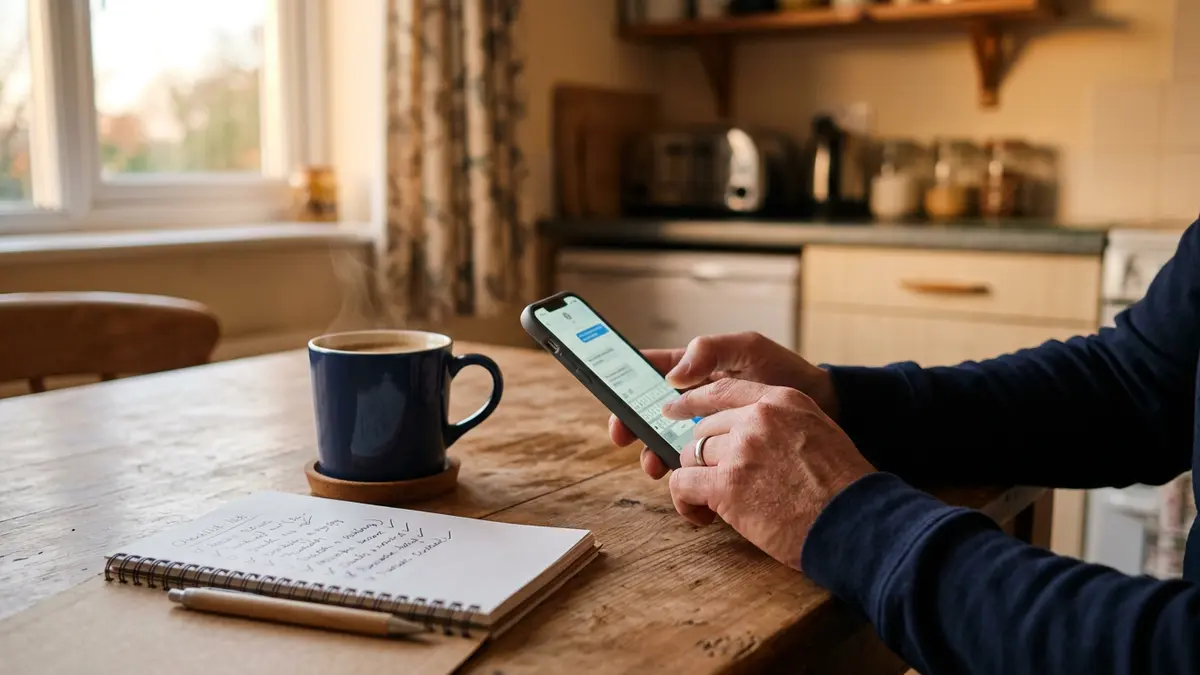
If you have a phone and a way to get online, you already have the most important piece of equipment. This first lesson is about setting up a small, free toolkit so everything you make this week has a home.
Set aside about 45 minutes, sit somewhere with Wi-Fi (the public library is perfect), and work through the steps in order.
Step 1: A separate email just for this
Create a new free email account you'll use only for your online work. Gmail and Outlook both work well on phones. Use your real name or a simple, professional version of it — something like firstname.lastname.work@... — not a nickname.
Why separate? It keeps business messages from getting buried, and if something goes wrong with one account, your personal life isn't tangled up in it.
Turn on two-step verification right away. This sends a code to your phone when someone logs in from a new device. It's the single best thing you can do to keep scammers out of your accounts.
Step 2: A place for ideas
Ideas show up at random times — on the bus, in line, at 2 a.m. Use the notes app already on your phone, or install Google Keep (free). Make three notes now:
- Skills — things you know how to do or have done many times.
- Problems — things people around you complain about or ask for help with.
- Questions — anything you want to look up later.
You'll use these lists on Day 3.
Step 3: Documents that sync
Open Google Docs (free with a Google account) in your phone's browser or the app. Create a folder called Business. Everything you write this week goes in there: checklists, guides, product drafts.
Because it syncs to the cloud, you can keep working on a library computer or a friend's tablet just by logging in — then log out when you're done.
Step 4: A free design tool
Canva has a free plan that runs well on phones. You'll use it to make simple graphics, printable checklists and PDF guides. Create an account with your new email.
Don't get lost in templates today. Just open it, tap around, and close it. We'll make something real on Day 4.
Step 5: Protect your work
Turn on cloud backup for your photos and files (Google Photos/Drive on Android, iCloud on iPhone — both have free storage tiers). Phones get lost, stolen and broken. Backups mean you don't lose a week's work with them.
Also write your account logins on paper and keep it somewhere safe, or use the password manager built into your phone. Never reuse your old passwords.
What this week looks like
Here's the honest plan for the next seven days:
- Day 1 (today): tools.
- Day 2: how to spot scams that target people starting over.
- Day 3: pick one skill.
- Day 4: make one simple digital product.
- Day 5: set up a free place to sell it.
- Day 6: share it without spamming anyone.
- Day 7: a realistic 30-day plan.
A realistic goal for this week is not money. It's having one small, finished thing you made, and knowing how to put it in front of people. Money tends to come later, slowly, and sometimes not at all at first — and that's normal.
If you get stuck
If you're locked out of an account, use the official "forgot password" link only — never a link someone texts you. If an app won't install on an older phone, use the website version in your browser instead.
Tomorrow we'll protect you from the people who prey on folks trying to start fresh. It may be the most valuable lesson of the week.
Common questions
Do I need a new phone?
No. Any smartphone that can run a web browser and receive email is enough. Older phones work; you may just use the browser version of some tools instead of the app.
What if I don't have a data plan?
Free Wi-Fi at public libraries, many fast-food restaurants and community centers works fine. Download what you need while connected and work offline when you can.
Does any of this cost money?
Everything in this lesson has a free plan. If a tool asks for a credit card during setup, skip it and use the alternative we list.
Keep reading
Want to earn by recommending tools you understand? Our affiliate program is free to join — honest terms, no income guarantees.