Make Short Vertical Videos on Your Phone (Even If You're Camera-Shy)
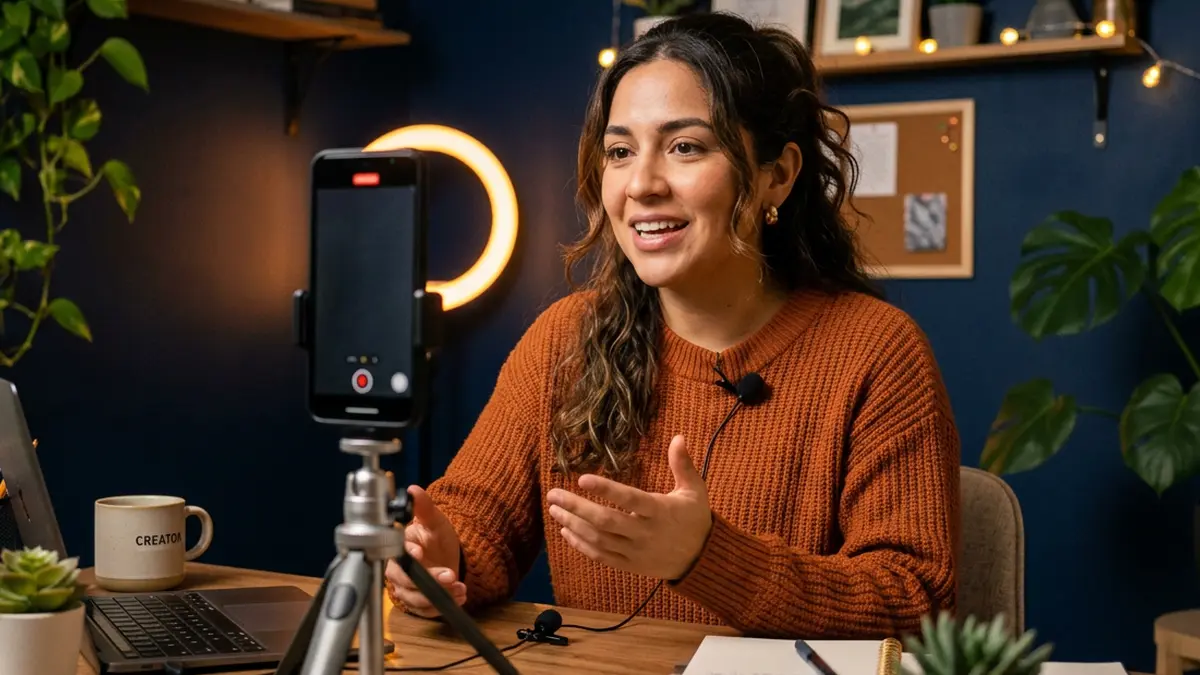
Short vertical videos are one of the few free ways to reach people who don't follow you yet. You don't need a studio, and you don't need to show your face.
One video, one point
The biggest beginner mistake is cramming too much in. Each video should answer one question:
- "What can I cook with $5 and no oven?"
- "Three free apps that keep my week organized."
- "What I bring to every job interview."
A three-line script
- Hook (first 2 seconds): say the problem. "Cooking on $5 a day? Here's tonight's dinner."
- The tip: show it, step by step.
- Soft next step: "Full 7-day plan is in my profile."
Write it in your notes app and read it once before filming.
Faceless ideas
- Hands cooking, building, writing or organizing.
- Screen recordings showing how to use a free app.
- Photos with text on screen and your voice over them.
- Before-and-after shots (a cleaned car, a fixed bike).
Filming basics
- Hold the phone vertically.
- Face a window for natural light.
- Clean your lens with a soft cloth.
- Record in a quiet spot; hold the phone close if using your voice.
- Prop the phone on books or a cup if you don't have a tripod.
Captions are not optional
Many people watch with the sound off. Use the app's auto-captions and fix mistakes. Captions also make your videos accessible to people who are deaf or hard of hearing.
Posting
- Write a short description with words people would search for.
- Put your product or store link in your profile, not spammed in comments.
- Reply to comments in the first hour.
- Post consistently — a few times a week beats ten videos once.
What to avoid
- Using music you don't have rights to outside the app's licensed library.
- Filming other people without permission.
- Income claims, "get rich" hooks, or fake screenshots.
- Sharing personal information (addresses, case details, ID numbers).
Measure what matters
Watch time and saves tell you a video was useful. Comments asking questions tell you what to make next.
Want ready-made examples? Our affiliate program provides captioned vertical videos partners can share (with required disclosures). For your own products, start with Day 6 of the free course.
Common questions
Do I have to show my face?
No. Many helpful videos show hands, screens, food, tools or text on screen with a voiceover.
How long should a short video be?
Many perform well between 15 and 60 seconds. Make it as short as it can be while still delivering the point.
What free apps can I use?
The built-in camera plus the editing tools inside TikTok, Instagram or YouTube are enough. CapCut has a free tier for more editing options.
Keep reading
- How to Share What You Made Without Spamming Anyone (Day 6)
- Helping Local Businesses Get Found Online: A Beginner's Side Skill
Want to earn by recommending tools you understand? Our affiliate program is free to join — honest terms, no income guarantees.