Google Docs on Your Phone: A Beginner's Guide for Writing Products and Résumés
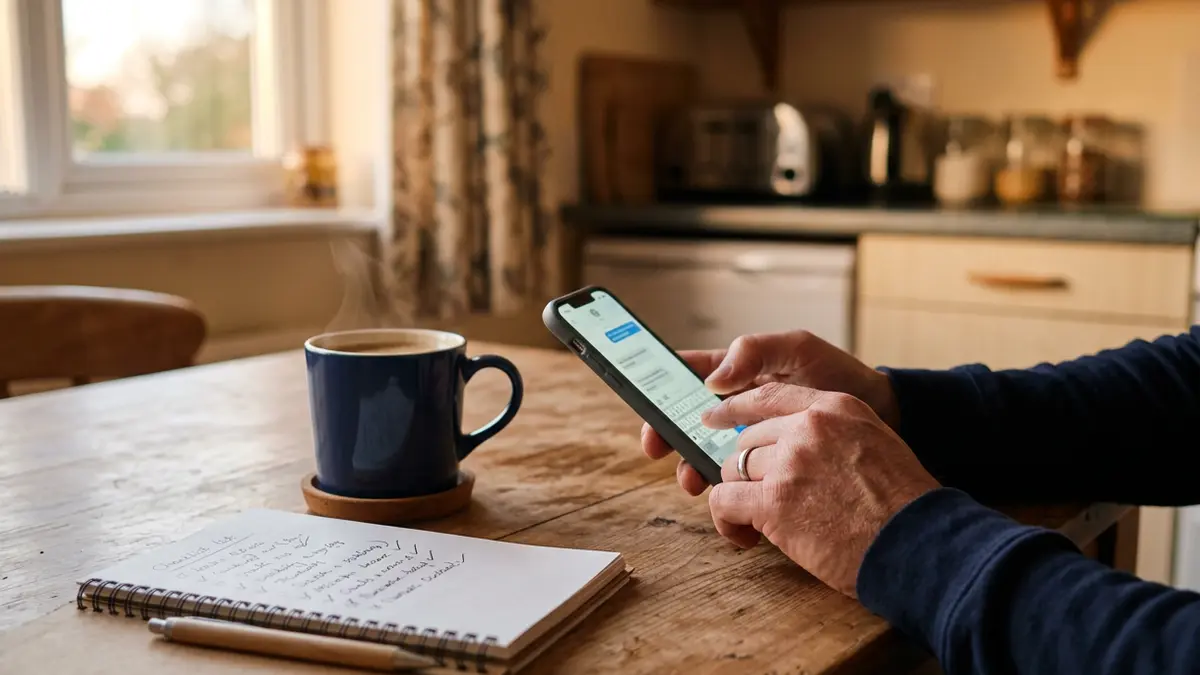
Google Docs is one of the most useful free tools for anyone starting from a phone. You can write a digital product, a résumé, a cover letter or a business plan — and it saves automatically to the cloud.
Getting set up
Install the Google Docs app (or use docs.google.com in your browser) and sign in with your work email. Create a folder in Google Drive called Business to keep things organized.
Voice typing: your secret weapon
Typing long documents with your thumbs is slow. Instead:
- Open a document and tap where you want to write.
- Tap the microphone on your keyboard.
- Talk naturally. Say "period," "comma" and "new line" for punctuation.
- Go back and clean up mistakes.
Many people draft three times faster this way.
Formatting that looks professional
Tap the "A" formatting icon to:
- Apply Heading 1 / Heading 2 styles (these make sections easy to scan and create an outline).
- Make bulleted and numbered lists.
- Keep fonts simple — one font, normal size for body text.
For résumés, tap + → Template (or use the browser version) and choose a résumé template.
Work offline
Open a file, tap the three-dot menu, and toggle Available offline. You can now edit without Wi-Fi; changes sync when you reconnect.
Share safely
Tap Share to invite someone by email. Choose Commenter if you want feedback without letting them change your text. To share with anyone via link, set access to "Anyone with the link — Viewer." Never share documents with personal information (ID numbers, addresses) publicly.
Export as a PDF
Digital products and résumés should usually be sent as PDFs:
- In the app: three-dot menu → Share & export → Save as (or Send a copy) → PDF.
- In the browser: File → Download → PDF.
Open the PDF and check for awkward page breaks.
Templates worth making once
- Résumé and cover letter — update for each job.
- Product master copy — the editable source of your guide.
- Simple sales tracker — use Google Sheets for dates, sales and fees.
Version history saves mistakes
Deleted something important? Three-dot menu → Version history lets you restore an earlier version.
Docs pairs well with Canva for design — see Day 4 of the free course to turn a document into a polished PDF product.
Common questions
Is Google Docs really free?
Yes, Google Docs is free with a Google account and includes free cloud storage shared across Google services.
Can I make a PDF from Google Docs on my phone?
Yes. In the Docs app use Share and export, then choose PDF, or open the document in a browser and download it as a PDF.
How do I type faster on a phone?
Use voice typing with the microphone on your keyboard, then edit. It's often much faster than typing with your thumbs.
Keep reading
- Canva's Free Plan on a Phone: Make Covers, Checklists and Social Posts
- Getting Reliable Free Wi-Fi and Phone Service When Money Is Tight
Want to earn by recommending tools you understand? Our affiliate program is free to join — honest terms, no income guarantees.